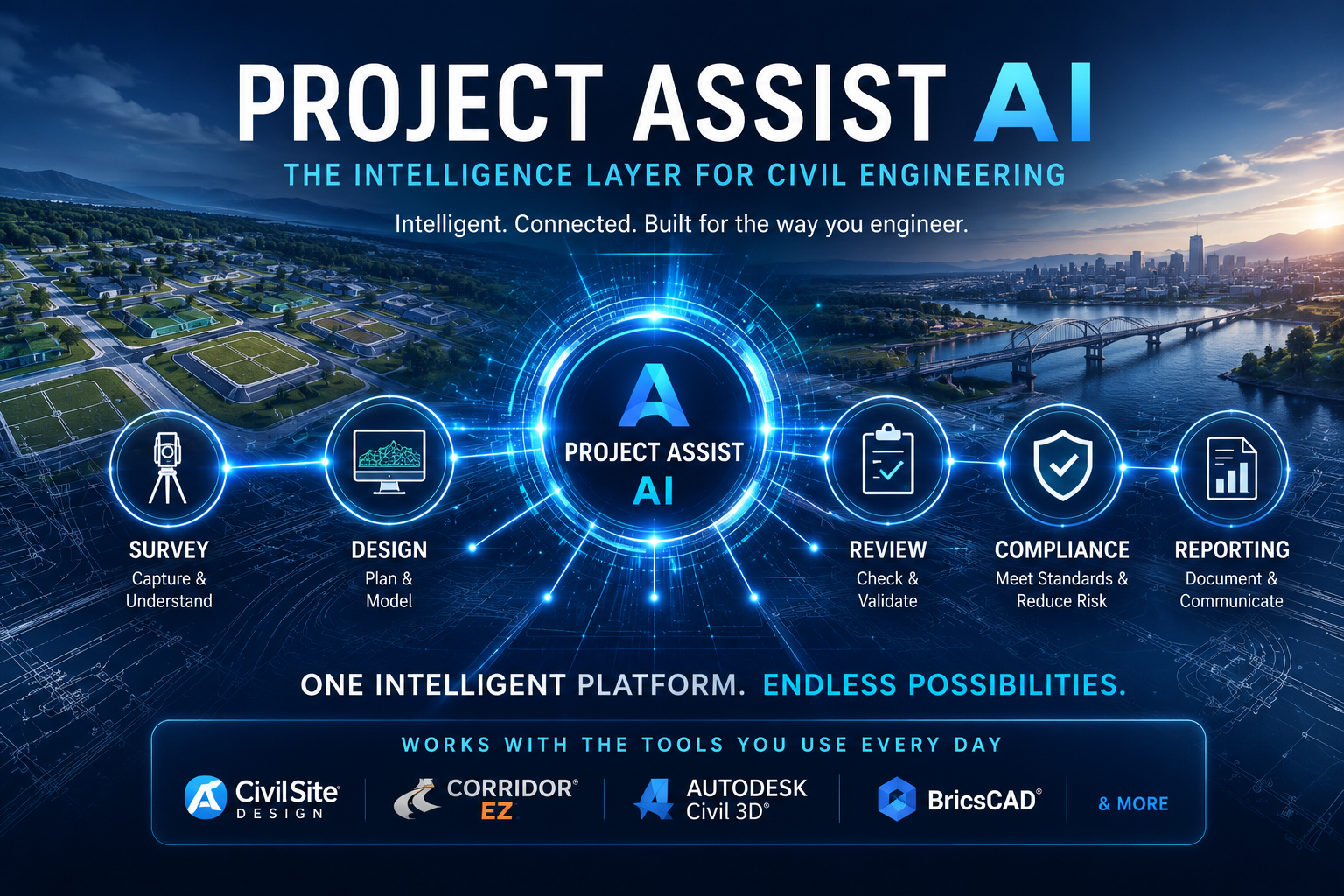
Project Assist AI — AI Agents for Civil Engineering Design
Leading Innovation. Empowering Engineers. Accelerating Infrastructure Design.
Project Assist began in 2019 as the first AI-driven road network design tool for Civil Site Design, helping engineers automate the creation of connected road models, intersections, curb returns, cul-de-sacs, and related design elements. That original technology has now evolved into Quick Start, a practical productivity workflow that helps designers move from initial layout to a working civil design model faster and with greater consistency.
Building on that foundation, Project Assist AI represents the next stage of Civil Survey Applications’ innovation. It combines decades of civil design automation experience with modern AI agents that can understand project data, review design conditions, explain workflows, generate reports, and recommend next actions — while keeping the engineer fully in control of the design process.
Project Assist AI Preview
See Tex, and other Project Assist AI Agents at work in this V27 Release video
Why Civil Survey Applications Leads in Civil Engineering Design Automation
Civil Survey Applications has consistently advanced civil engineering productivity through practical tools that help engineers work faster, reduce repetitive tasks, and maintain control over the design process.
Key areas of leadership include:
- CAD productivity tools
- Civil engineering design automation
- Connected road, site, grading, and pipe workflows
- Civil Site Design productivity tools
- Project Assist and Quick Start road network design
- Project Assist AI agent-based engineering assistants
Why Civil Engineering Requires More Than Generic AI
Generic AI tools and chatbots are useful for general information, but civil engineering design requires project-aware intelligence. Engineers need AI tools that understand CAD data, design standards, project requirements, and civil design workflows.
Most generic AI tools:
- Lack civil engineering design context
- Do not understand project-specific CAD data
- Cannot validate design intent against standards
- Cannot reliably review alignments, profiles, roads, intersections, or surfaces
- Produce answers that may not be traceable to project requirements
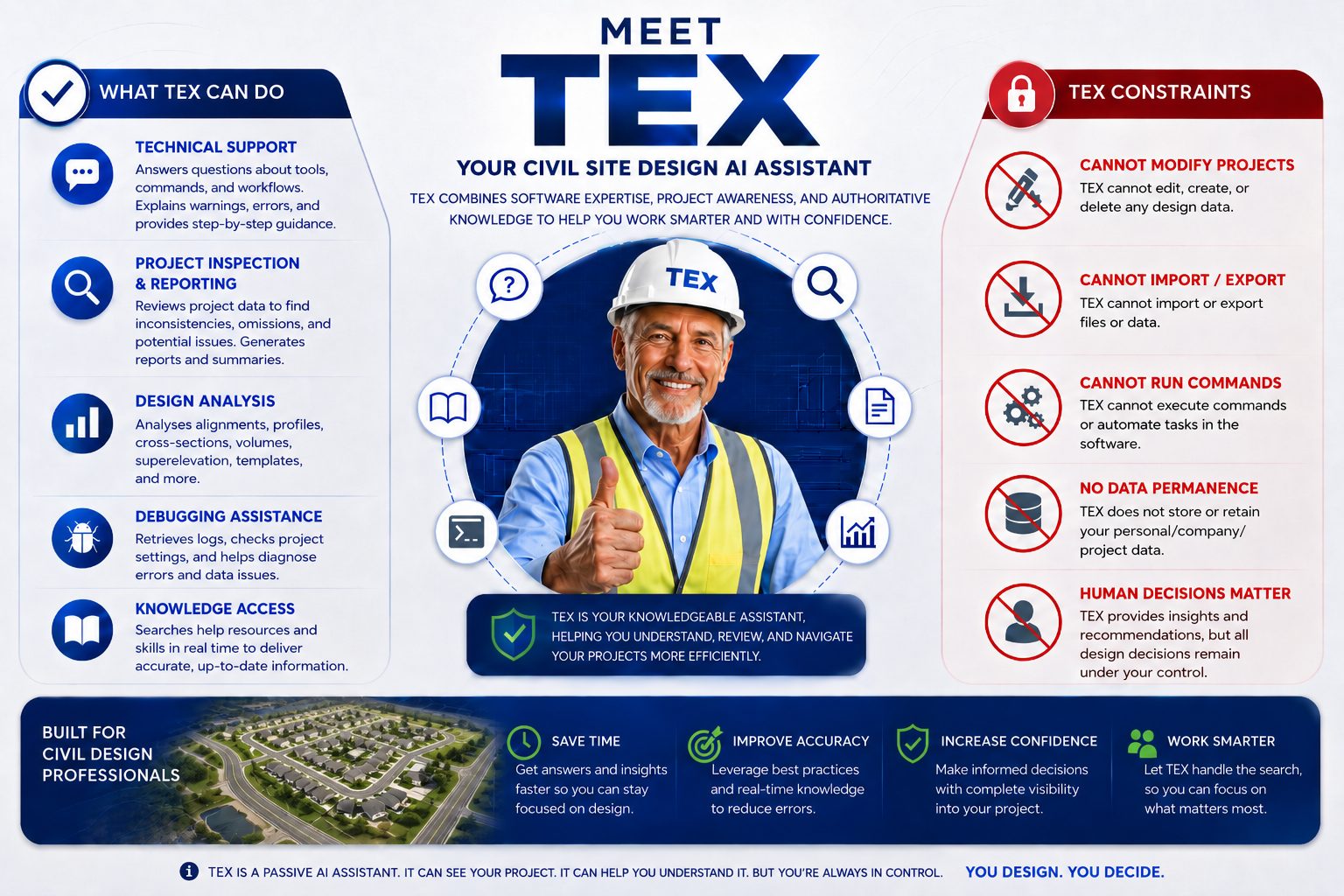
Introducing TEX – the First AI Agent for Project Assist AI
Get Help, Analyse your DWG, Generate Reports
The Saver Principal
TEX has been developed with the following guidlines:
- S — Suggest – Provide recommendations.
- A — Assess -Analyze project conditions.
- V — Verify -Validate against standards and project requirements.
- E — Execute -Perform approved actions.
- R — Review – Provide documentation and traceability.
These principals ensure that designers are always in control of the design.
Project-Aware Intelligence
TEX inspects your drawing and will answer questions and create reports:
- Alignment geometry – do they meet specs?
- Roads – do they comply with local standards?
- Intersections – are curb returns in compliance?
- Report on horizontal alignments.
- Create summary reports for volumes, structures and more
Need a report? TEX creates the report and saves it for future use
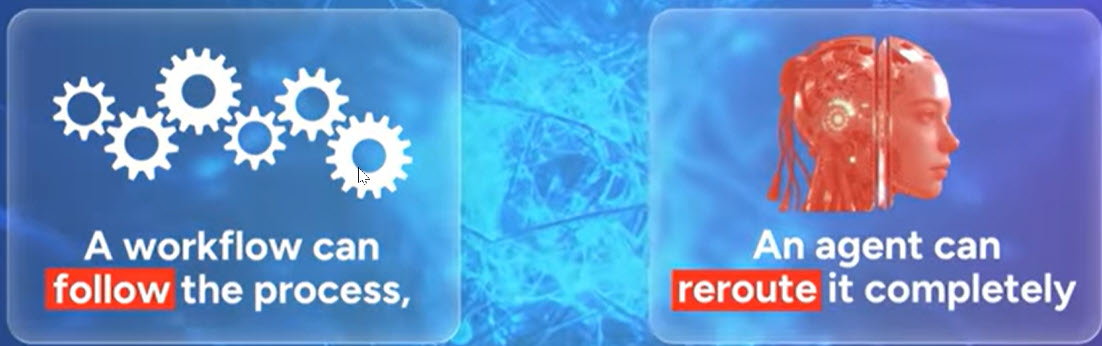
Understanding the Difference Between Chatbots and Agents
AI technology is changing rapidly. ChatGPT, Gemini, Claude all have their place; all are being updated regularly. As a project manager and designer, it is important that you do not get bogged down in the details. It is equally important that you understand the basic concepts.
The MITmonk explains the difference in this YouTube video entitled: