
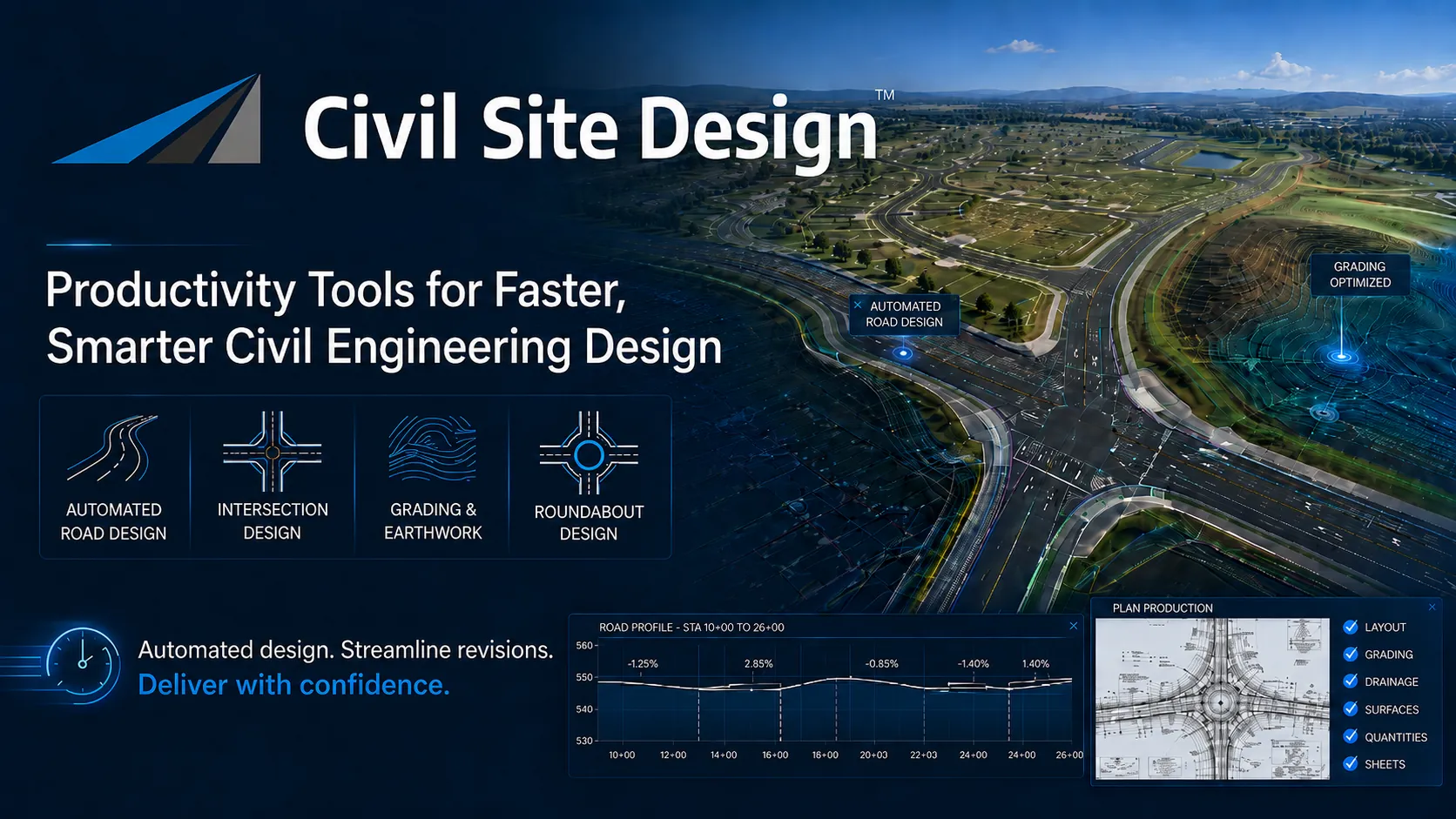
Civil Engineering Design Productivity Tools
Civil engineering design requires accuracy, consistency, speed, and practical control over every phase of the project. Yet many design workflows still depend on repetitive manual steps, disconnected objects, and time-consuming edits that slow down production.
Corridor EZ and Civil Site Design were developed to help engineers move faster without giving up design authority. These productivity tools automate the tasks engineers perform every day, including road layout, intersections, curb returns, cul-de-sacs, surfaces, grading, profile control, and production documentation.
The result is a more connected design process where changes can be made quickly, reviewed confidently, and carried forward into production with fewer manual updates.
Practical Automation for Civil Engineering Workflows
Productivity in civil design is not about replacing the engineer. It is about eliminating repetitive drafting and modeling tasks so engineers can focus on design intent, constructability, standards, and client requirements.
Corridor EZ and Civil Site Design share a common focus: practical design automation for real-world civil engineering projects. These tools help designers create, edit and review models more efficiently while maintaining full control over the final design.
Whether working in Autodesk Civil 3D, AutoCAD, or BricsCAD environments, these productivity tools help civil engineering teams reduce design time, improve consistency, and accelerate project delivery.
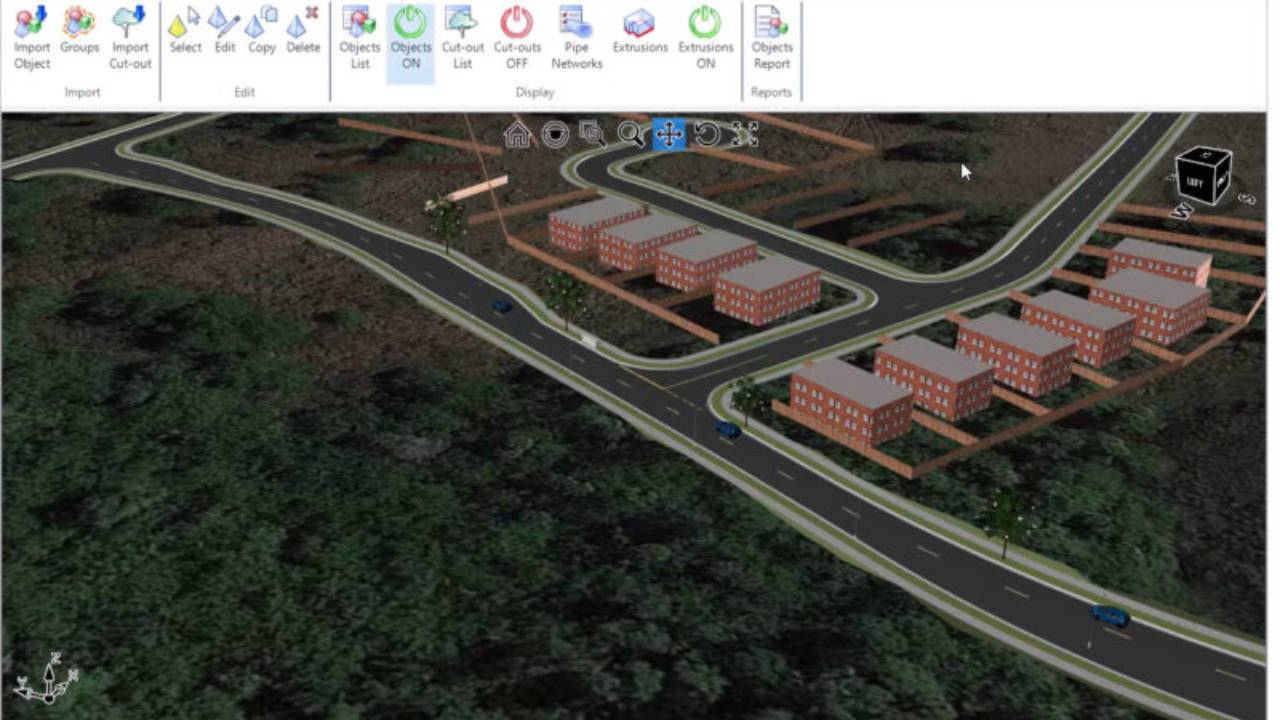
Real Time Interactive Visualization
The Corridor EZ ‘Model Viewer’ assists your design process with real time rendering and visualization. It has a number of powerful analysis tools including line of sight analysis and reporting, automated line marking which can be exported to your CAD drawing.
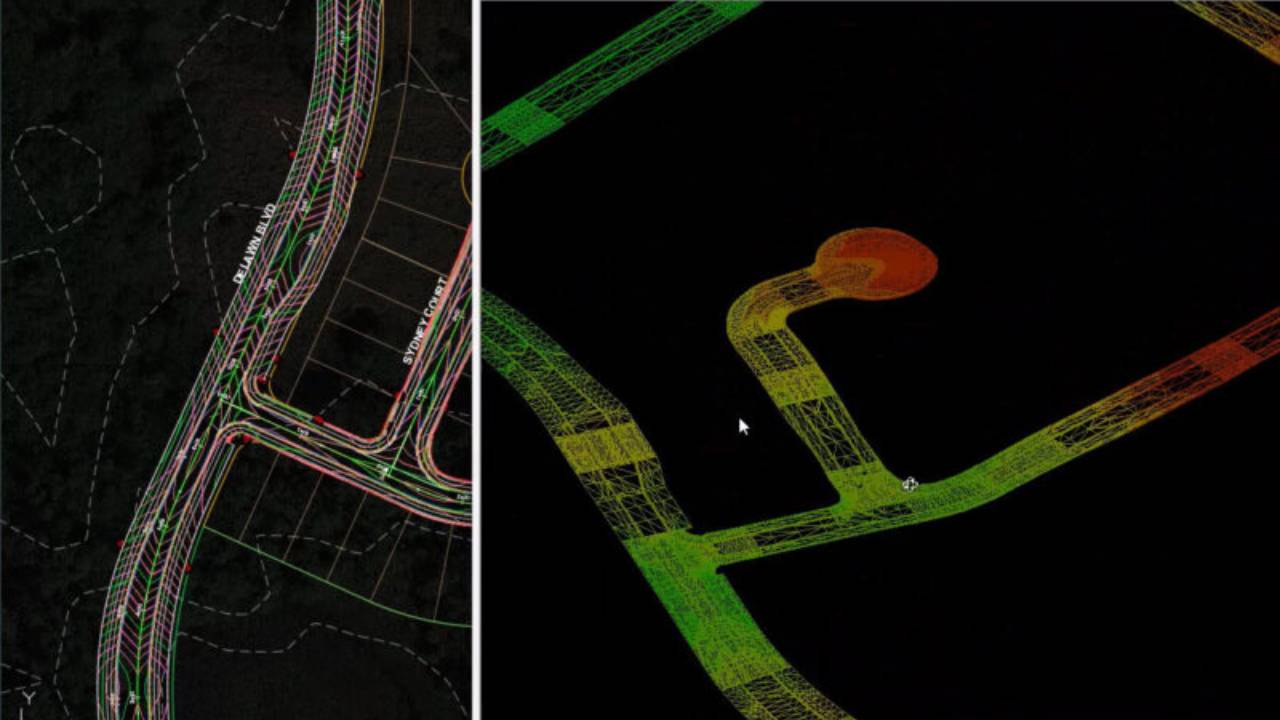
Surface Output
Once your design is complete, you can export your design to Civil 3D Surfaces at the click of a button, including all breaklines and boundaries. If you make a change in your design, re-run the export to update all the surface definitions, maintaining all your surface labels surface analysis and applied surface style.
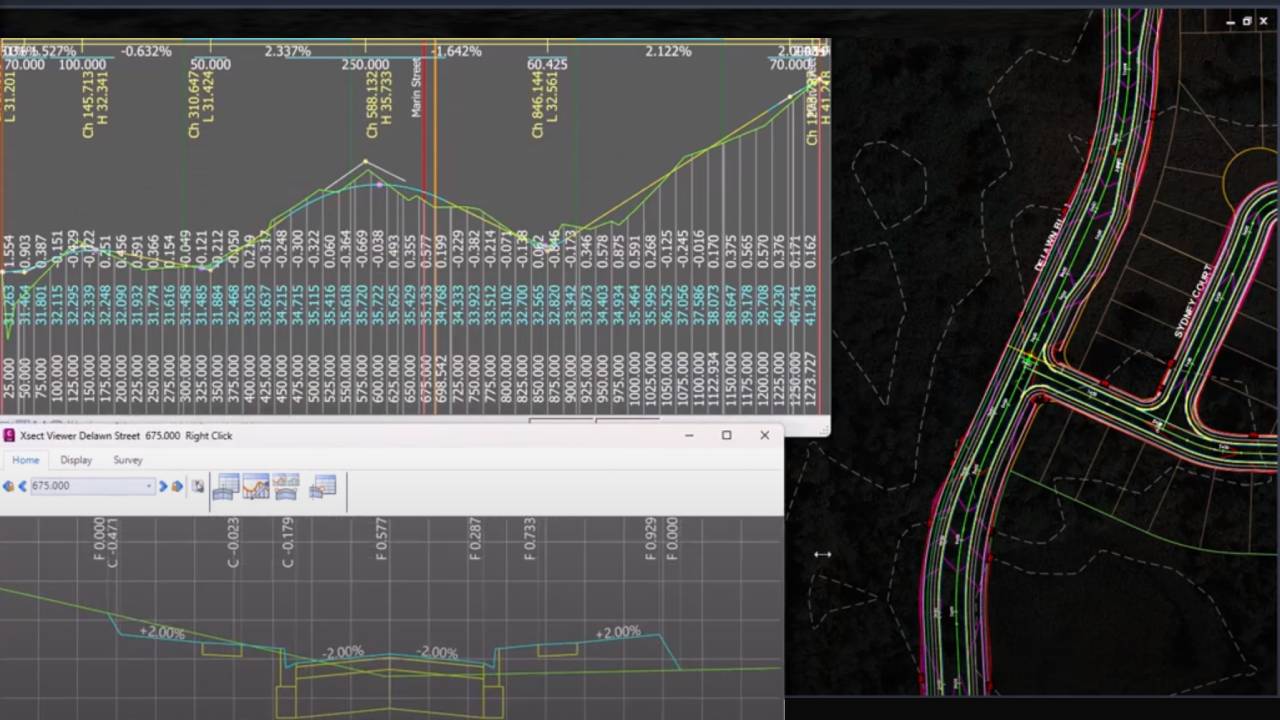
Intelligent Road Network Design
Corridor EZ delivers intelligent, AI driven creation of your entire road network via ‘Project Assist’. Once your surface and alignments are created, you can assign your templates and ‘Project Assist’ generates the design for an entire subdivision in a single operation including all curb returns, widenings and cul-de-sacs. All these elements are tied together so changing the vertical design of one road updates all of the connected profiles
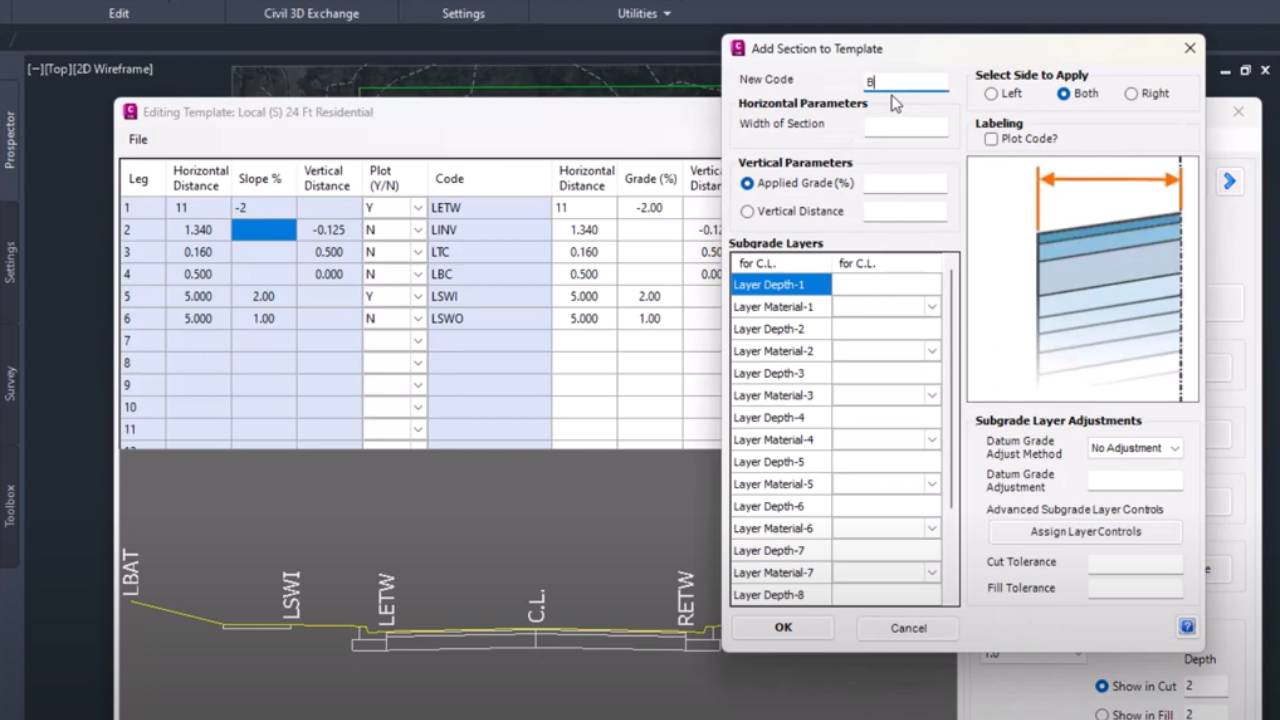
Templates Simplify Assemblies
Corridor EZ provides a spreadsheet-like template manager to define your road, curb, sidewalks, pond elements and related grading polylines. Templates replace the need to build complex assemblies and can be easily customized to meet specific project needs. When your design is complete and you are ready to create a corridor – Corridor EZ will create the required assemblies for you.