
Contact a Stringer Topo Technical Support Rep and get the answers you need.
Our Tech Support Reps provide Stringer Topo users with information, guidance and recommendations.
Example Topics
- Installation
- Licensing
- Deployment
- Migration
- Drawing/Data Issues
- Software Bug
Additional Product Support Resources
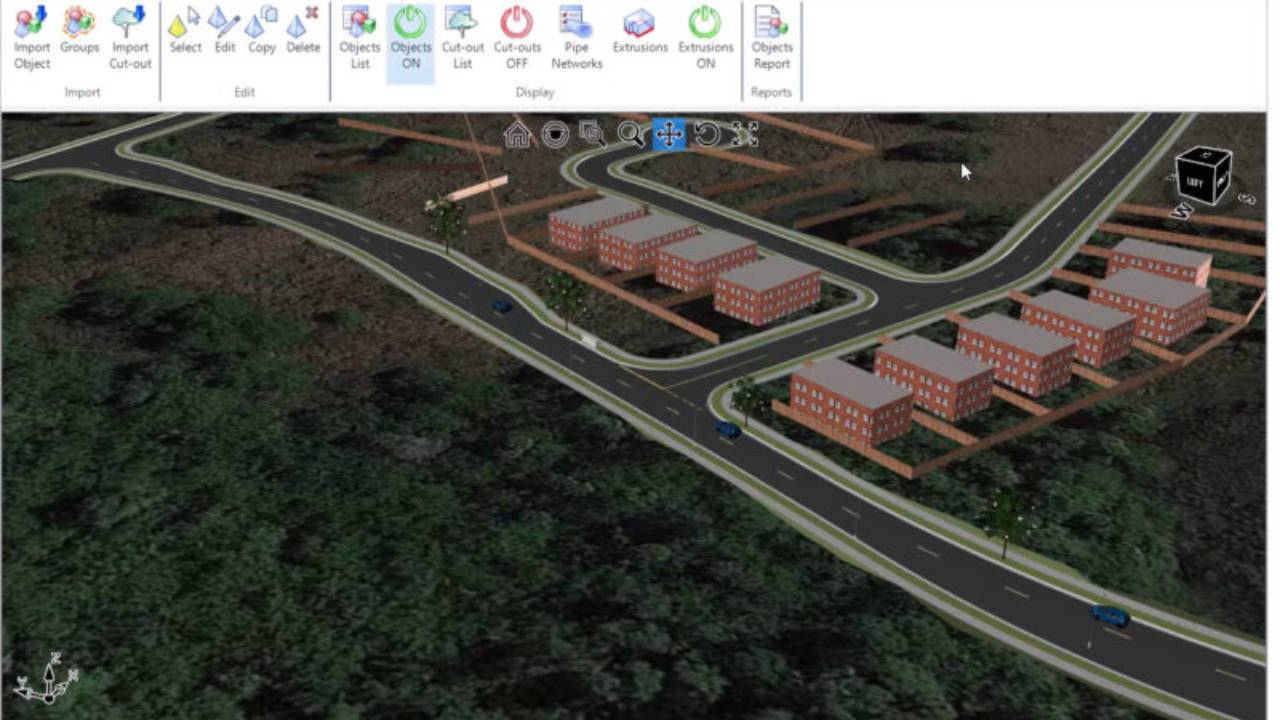
Real Time Interactive Visualization
The Corridor EZ ‘Model Viewer’ assists your design process with real time rendering and visualization. It has a number of powerful analysis tools including line of sight analysis and reporting, automated line marking which can be exported to your CAD drawing.
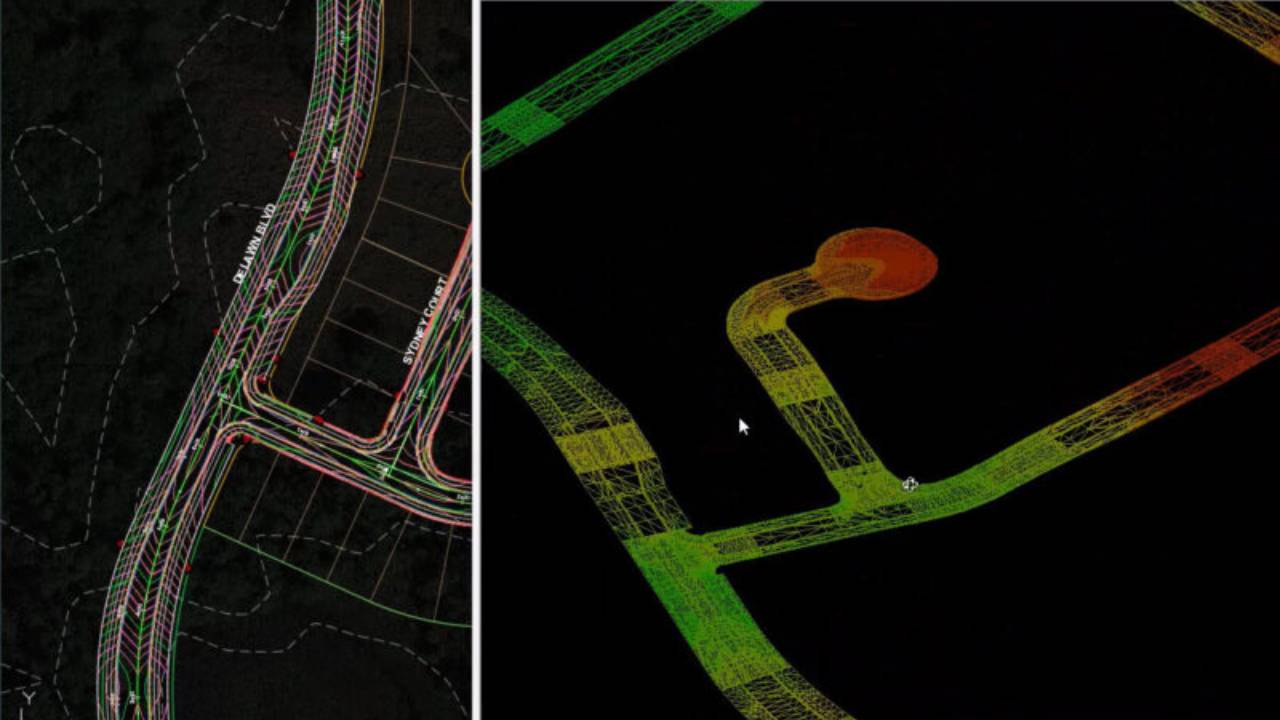
Surface Output
Once your design is complete, you can export your design to Civil 3D Surfaces at the click of a button, including all breaklines and boundaries. If you make a change in your design, re-run the export to update all the surface definitions, maintaining all your surface labels surface analysis and applied surface style.
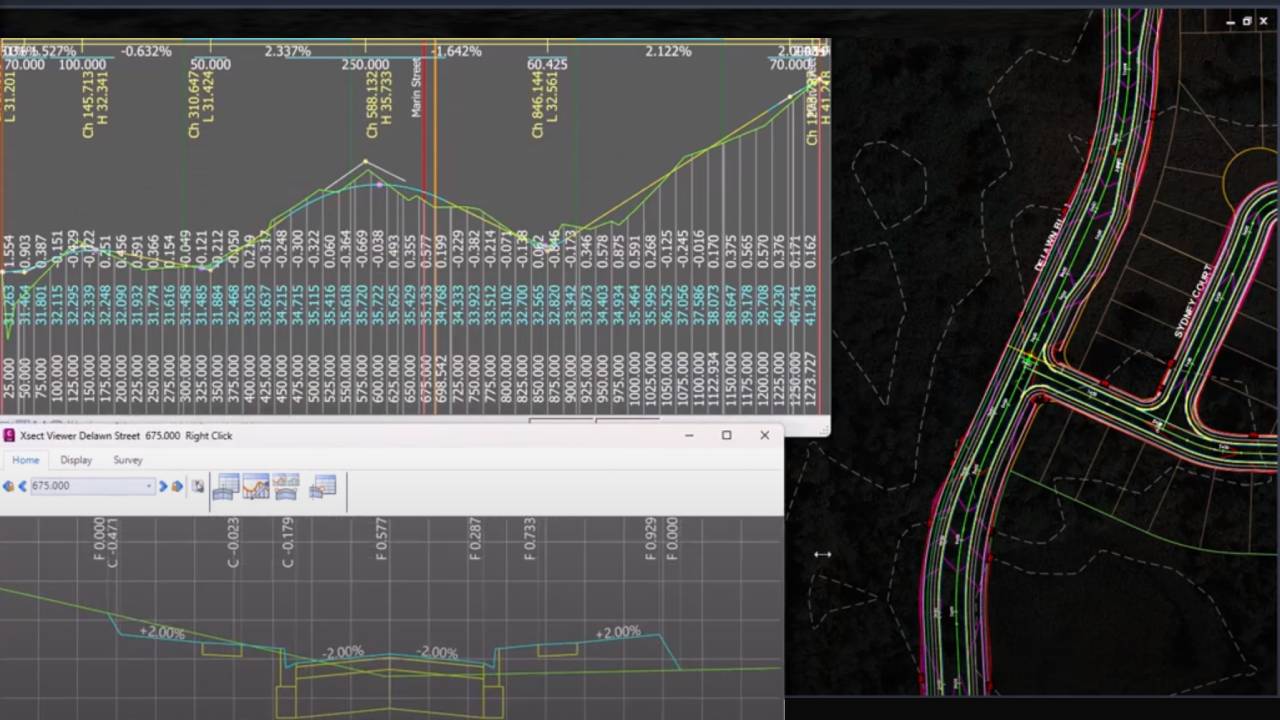
Intelligent Road Network Design
Corridor EZ delivers intelligent, AI driven creation of your entire road network via ‘Project Assist’. Once your surface and alignments are created, you can assign your templates and ‘Project Assist’ generates the design for an entire subdivision in a single operation including all curb returns, widenings and cul-de-sacs. All these elements are tied together so changing the vertical design of one road updates all of the connected profiles
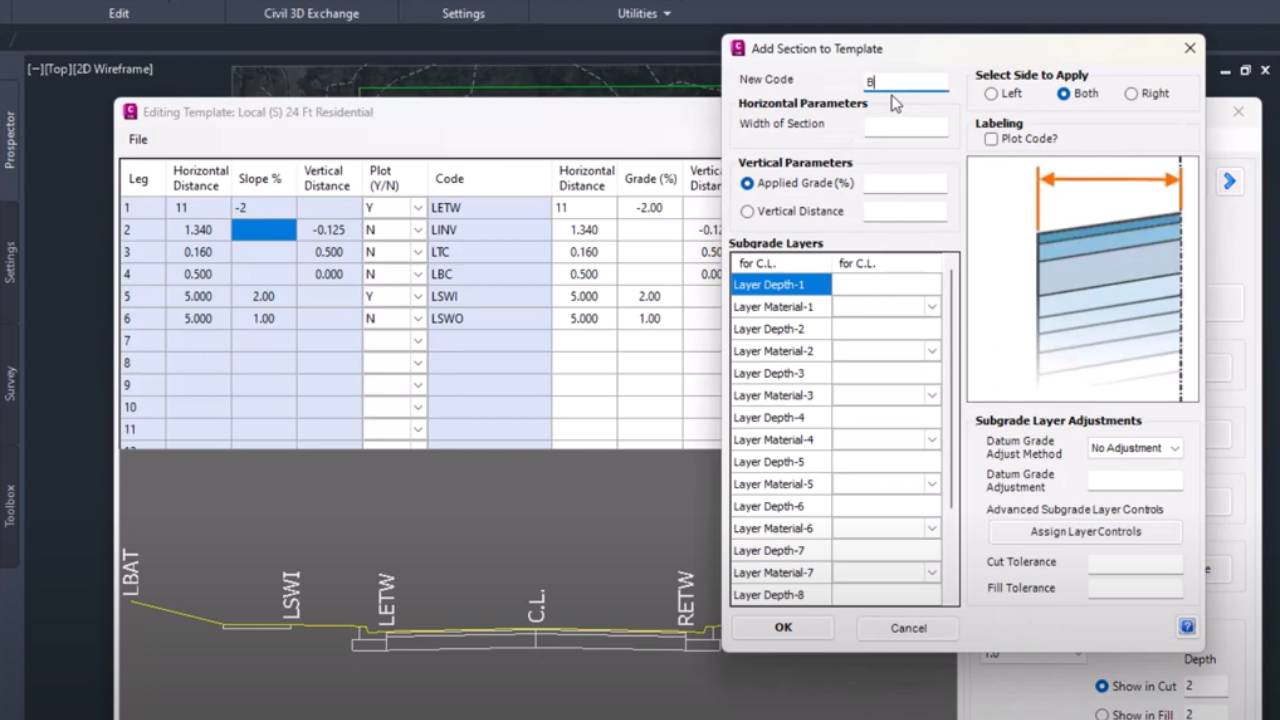
Templates Simplify Assemblies
Corridor EZ provides a spreadsheet-like template manager to define your road, curb, sidewalks, pond elements and related grading polylines. Templates replace the need to build complex assemblies and can be easily customized to meet specific project needs. When your design is complete and you are ready to create a corridor – Corridor EZ will create the required assemblies for you.